Phone verification, and how to do it well
Phone verification confirms that someone actually owns the number they gave you. It is the line between a contact list full of real, reachable people and one full of typos, throwaways, and bots — and almost every signup, reset, and "verify you're human" prompt on the web depends on it.
The common methods
There are a handful of ways to verify a phone, and they trade off reach against cost:
- SMS code — a texted one-time code. Universal, cheap, familiar.
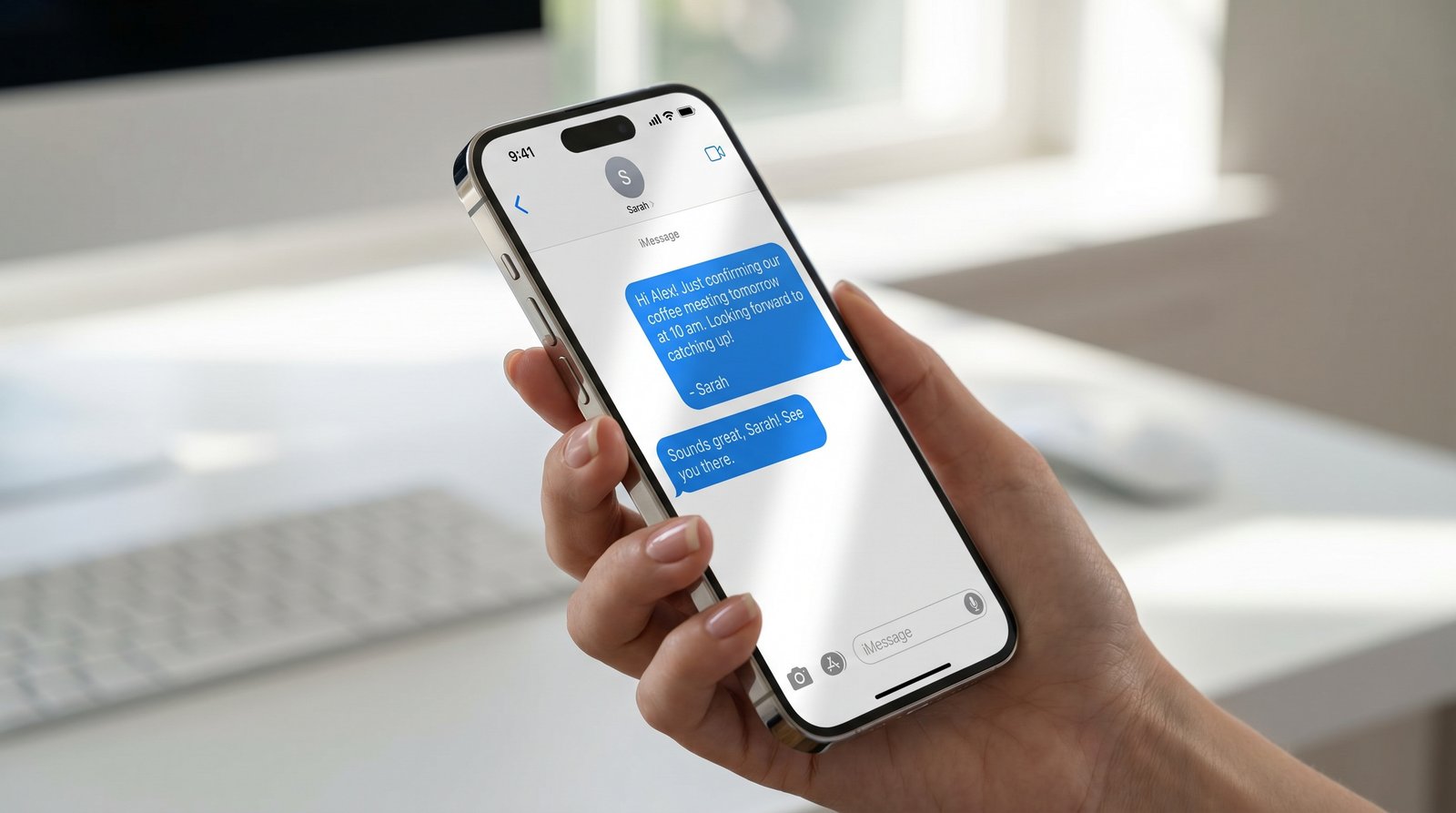
- iMessage code — the same code delivered as a blue bubble to iPhones. Instant, supports one-tap autofill, and skips carrier SMS filtering. This is where iBlueText is different.
- Voice call — a code read aloud. Useful as a fallback when SMS fails.
- App-based (TOTP) — codes from an authenticator app. More secure, but requires setup.
Why verify a phone at all
Three reasons, usually together: data quality (no fake or fat-fingered numbers in your CRM), fraud prevention (bots can't receive the code), and consent (verifying is an opt-in you can log and prove). A verified number is also a number you can actually follow up on.
What it should cost
Most providers price for enterprises. Twilio Verify is around 5¢, with Vonage and Firebase in a similar range. iBlueText is a flat ½¢ — including the device lookup and the delivered code.
Adding it in minutes
Paste the drop-in widget into any form, or call the REST API from your backend. Either way you get a verified number plus a logged, timestamped proof-of-consent record you can export.
Related
Frequently asked questions
What is the cheapest way to verify a phone number?
iBlueText verifies at a flat ½¢ per check, including the device lookup — roughly a tenth of what Twilio, Vonage, or Firebase typically cost.
Is SMS or voice better for phone verification?
SMS (and iMessage) is faster and cheaper and works for almost everyone. Voice is a good fallback when a text doesn't arrive.
Does phone verification work internationally?
Yes. iBlueText verifies iPhone and Android numbers worldwide, using iMessage for iPhones and SMS elsewhere.