This is what running your own fleet looks like
Real iPhones + Mac minis sending real blue bubbles — and you own every piece of it.
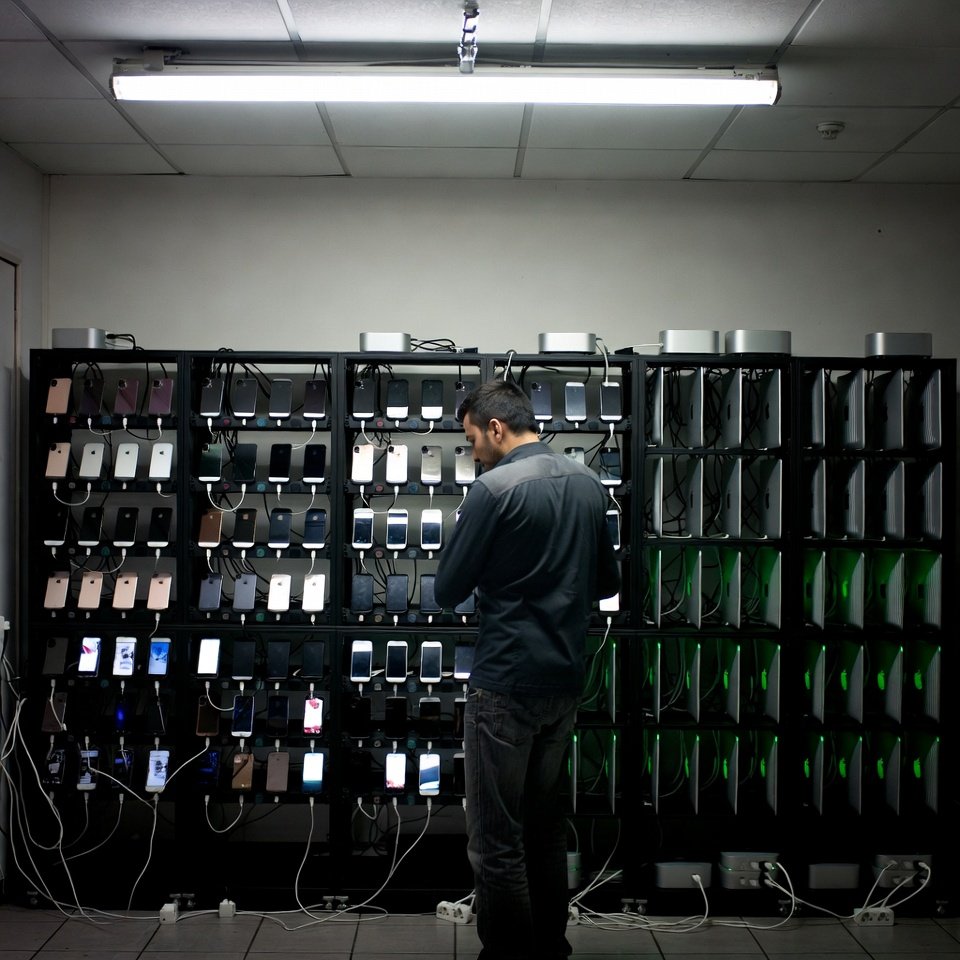
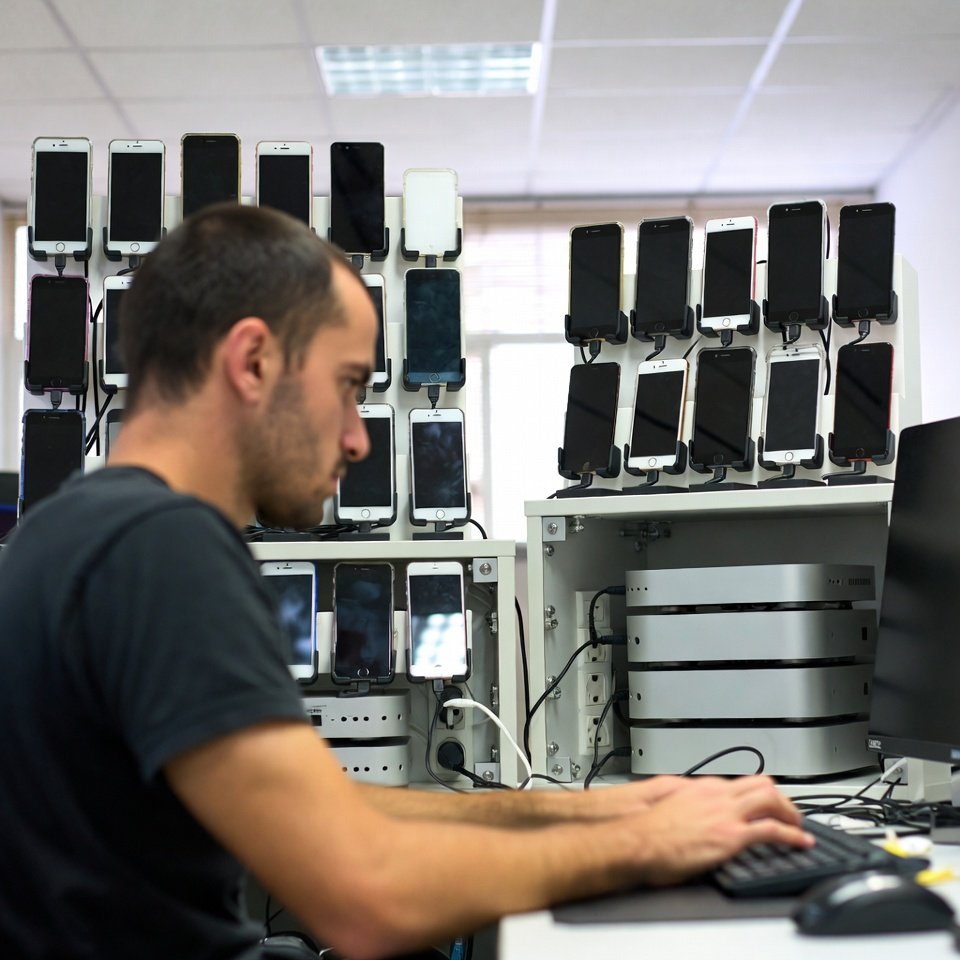
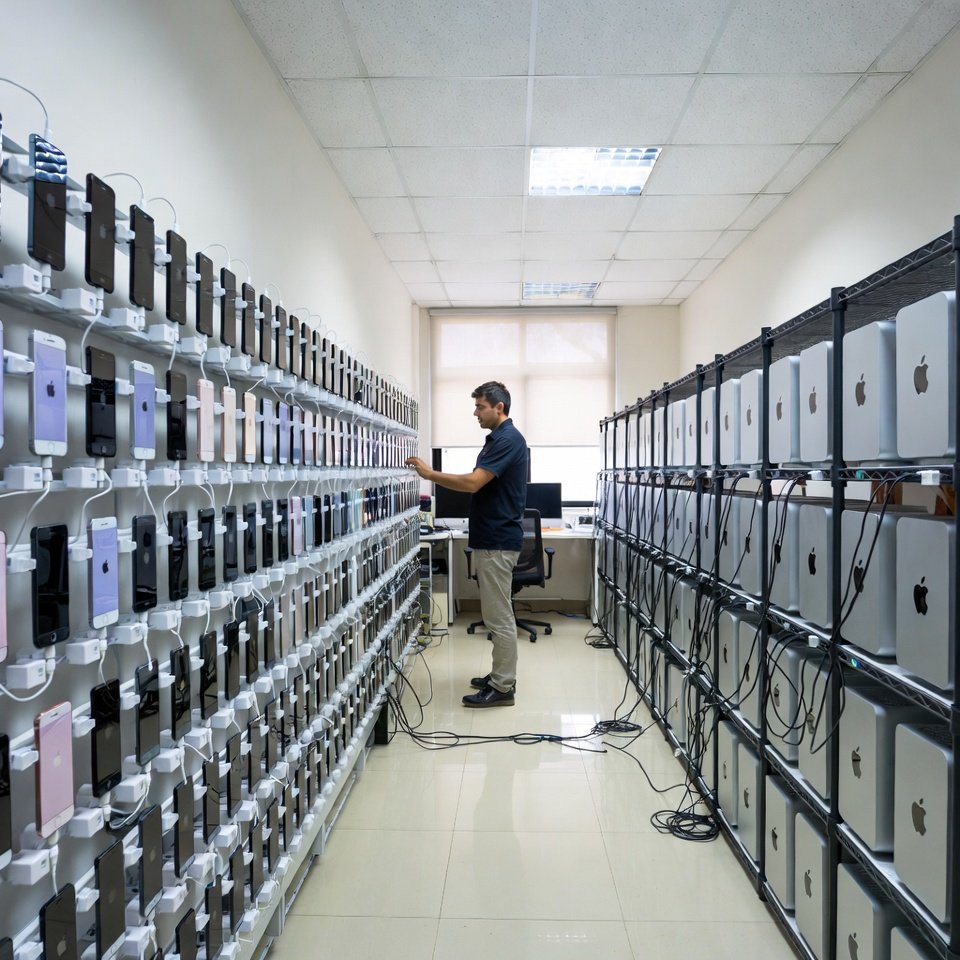
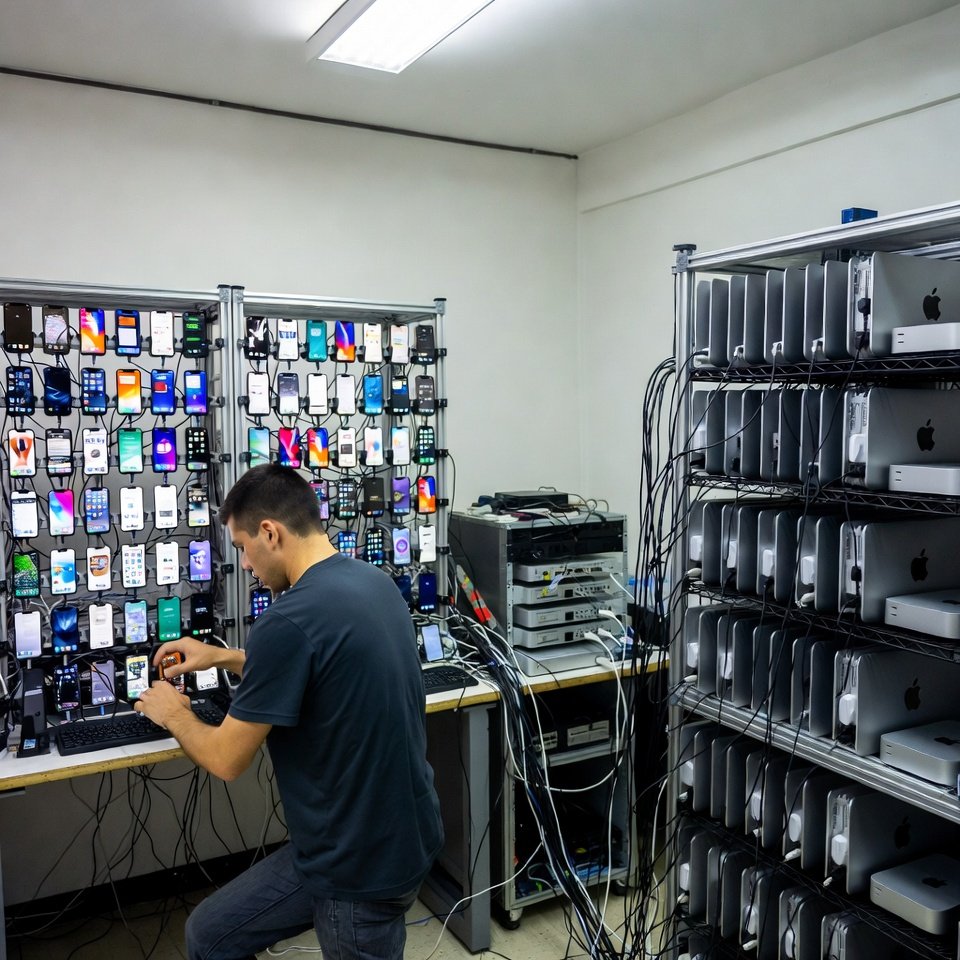
Install our plug-and-play app on your own Macs, connect your iPhones, and send real blue-bubble iMessage at scale — straight from your hardware. Flat yearly price. No per-message fees. Your messages never touch our servers (CRM messages, e.g. GoHighLevel, pass through to reach your Mac and are not stored). 3-day free trial, no card.
Bridge app free trial: 50 lookups + 10 sends. No card to start.
Real iPhones + Mac minis sending real blue bubbles — and you own every piece of it.
Pick who owns the hardware. Same blue bubbles either way.
We run everything in our data center. You just sign up and send — zero hardware, zero setup.
You run the Macs + iPhones; we give you the plug-and-play software. Cheapest at scale, and your data stays on your hardware.
Sign up, download the app, install it on each Mac. A guided wizard walks you through every step.
Pair each iPhone to the app. One quick one-time Mac setting and you're live.
Upload a list or send from GoHighLevel. Blue bubbles to iPhones, SMS to Androids, replies in one inbox — synced to your CRM.
Built-in rate limits & warm-up keep your accounts healthy — set your own, or use our recommended defaults.
Real blue-bubble iMessage to iPhones; automatic green-bubble SMS to Androids. Send & receive, full 2-way. Add an Android phone as an SMS line with our free iBlueText SMS app on Google Play (setup help).
Scrub any list to see who's on iMessage before you send — run it right on your own fleet.
Native GoHighLevel connector + a simple API/webhooks for any other CRM or dialer.
Add your own Twilio for high-volume A2P SMS, or link your own WhatsApp number. Bring your own accounts.
Set your own daily caps, hourly limits and warm-up — or keep our battle-tested defaults that avoid bans.
Everything runs on your Macs. Your contacts and messages never pass through us — we literally can't see them.
A "line" = one iPhone/number you connect. Macs are unlimited — run your lines on as many or as few as you like.
1 line · $29.00/line
3 lines · $26.33/line
10 lines · $19.90/line
20 lines · $14.95/line
50 lines · $11.98/line
100+ lines · $9.99/line
Extra lines $9.99/mo each
Need more than 100 lines? Enterprise adds lines at $9.99/mo each. Want to resell under your own brand? Talk to us about white-label. Get in touch →
The software is the easy part. Here's the honest hardware picture — so you go in eyes-open.
You'll want 1 iPhone per line, each on a cheap SIM plan, and enough Macs for your lines. Up to 12 iMessage lines per Mac on an M4 or newer (tested on our own fleet; past 12 it slows down and glitches). An M2 runs about 8, depending on its memory, and an M1 with 8 GB about 4 to 5. The new M6 is not tested yet. The calculator below assumes M4 Mac minis (12 lines each).
Where to buy (some are referral links — costs you nothing extra):
Plus a desk, power, and a reliable internet connection. The one-time per-Mac setup (a single macOS security setting) takes a few minutes — our wizard shows you exactly how, with screenshots.
No. Self-hosted runs entirely on your Macs — sending, receiving, lookups, everything. Your contacts and message content never pass through our servers. Our software only checks your license. That's the whole point.
The app is plug-and-play, and a guided wizard walks you through it with screenshots. There's one one-time macOS security setting to change per Mac (a few minutes). After that, pair your iPhone and you're sending.
Yes. Pick Rented/VPS Mac (SIP on) mode in the app (Bridge 0.4.7 and later): iMessage and SMS still send through the Messages app and replies still arrive. iPhone lookups, reactions, screen effects and the typing indicator need SIP off and aren't available. Important: without lookups, Auto sends everything as iMessage, so Android numbers may not receive it — choose SMS only for Android lists. The first time, click Allow when macOS asks to let iBlueText Bridge Engine control Messages (or turn it on in System Settings → Privacy & Security → Automation), or texts won't send. For every feature, ask your host to turn SIP off.
One iPhone per line with a cheap SIM plan, and enough Macs for your lines. An M4 Mac mini (or newer) holds up to 12 lines; older Macs hold fewer. Use the calculator above for an exact shopping list and cost.
It depends on the chip and memory. Up to 12 iMessage lines per Mac on an M4 or newer (tested on our own fleet; past 12 it slows down and glitches). An M2 runs about 8, depending on its memory, and an M1 with 8 GB about 4 to 5. The new M6 is not tested yet. Bridge runs several lines on one Mac by itself. Need more lines? Add more Macs: your plan's line count is what matters, and you can spread it across as many Macs as you like.
Yes. Install the free iBlueText SMS app from Google Play on an Android phone with a SIM, then in the Bridge app open Lines → Android phones → Pair an Android phone and scan the QR code. The phone becomes an SMS line that sends and receives from its own number, over your own Wi-Fi. Step-by-step setup.
No. Each plan is licensed to your account for its line count and can't be resold or shared. Higher tiers simply unlock more lines.
Yes — download it, set up one line, and get 50 free lookups + 10 free sends to prove it works before you pay.
Add your own Twilio account for high-volume A2P SMS, or link your own WhatsApp number. You bring the accounts; the software routes through them.
Download free, set up a line, and send your first blue bubbles today.
Download & try free