Phone number verification, two ways
"Phone number verification" actually means two related things, and keeping them straight saves a lot of confusion. One is checking that a number is real and reachable — validation, or lookup. The other is proving the person in front of you controls it — a code. You often want both, in that order.
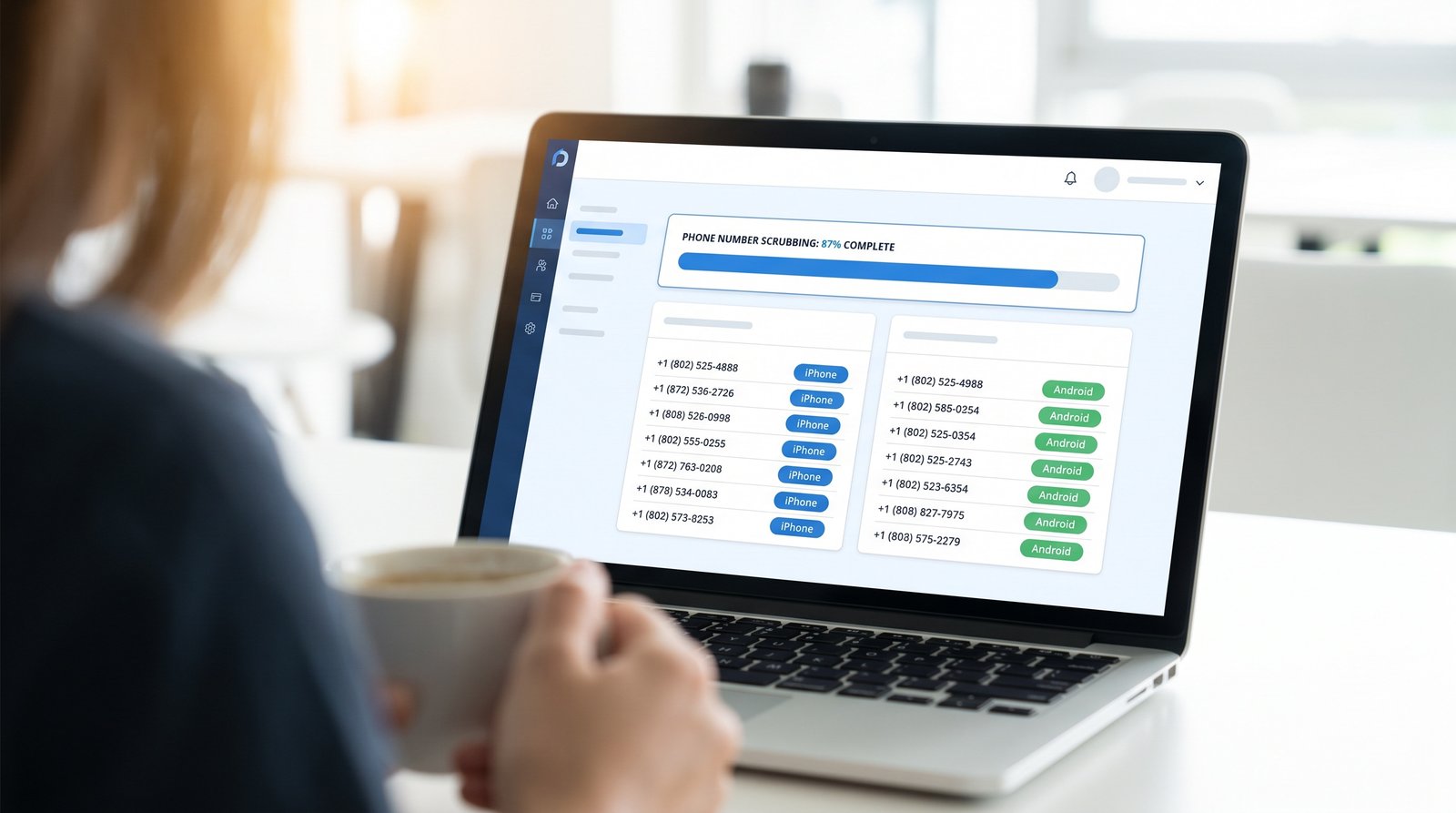
Validation (lookup) vs verification (code)
Lookup tells you whether a number is valid and what it is — an iPhone on iMessage, an Android, a landline. Code verification proves the person possesses it right now. iBlueText does both: scrub the list first, then send a code to the keepers.
Why it matters
Validating up front kills fake and mistyped numbers before they pollute your CRM, trims wasted SMS sends to dead numbers, and lets you target iMessage where reply rates are highest. Verifying then proves consent and possession on the ones that count.
Both in one flow
iBlueText's verification automatically looks up the number to pick the right channel (iMessage vs SMS) before sending the code — so validation is built into every verification.
Related
Frequently asked questions
Is phone validation the same as verification?
No. Validation (lookup) checks a number is real and reachable; verification proves someone controls it via a code. iBlueText offers both.
How do I stop fake numbers at signup?
Validate the number with a lookup, then require a one-time code. Bots and typos can't pass a code they never receive.