SMS verification, without the jargon
SMS verification is the small step that proves a person actually controls the phone number they typed in: you text them a short code, they type it back, and now you know the number is real, reachable, and theirs. It is the quiet workhorse behind most signups, password resets, and "verify you're human" prompts on the web.
The idea is old and boring — which is exactly why it works. A code that only arrives on one device is hard for a bot to fake at scale. This guide walks through how the flow actually works, what it should cost (most providers quietly overcharge), and how to wire it onto your own site.
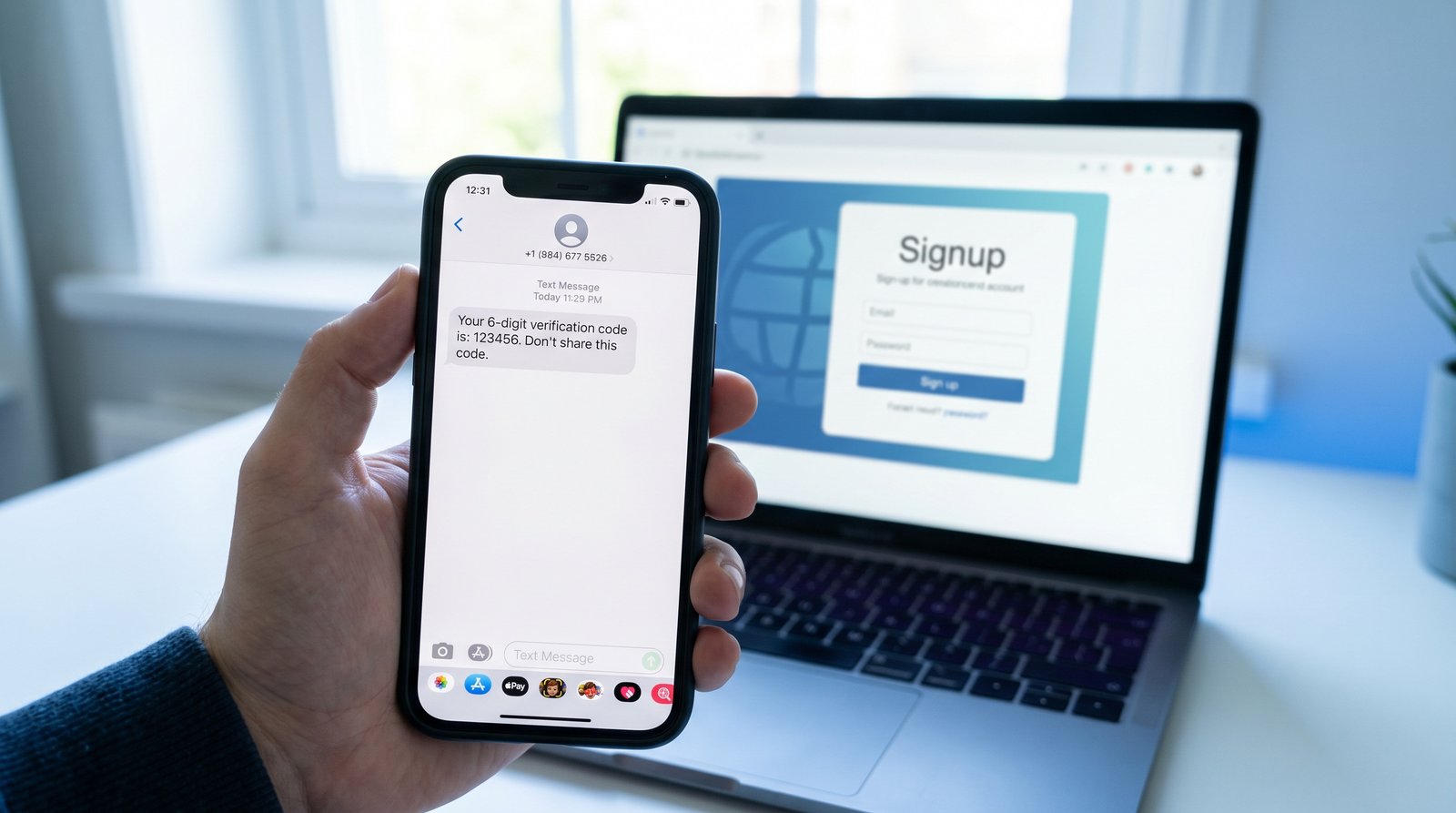
How the code flow works
Every SMS verification follows the same five steps:
- Your form collects a phone number.
- Your backend asks a verification provider to send a code to that number.
- The provider generates a random 6-digit code, stores a hashed copy, and texts the plain code to the phone.
- The person reads the code and types it into your form.
- Your backend asks the provider to check the code. If it matches and hasn't expired, the number is verified.
Good implementations never store the raw code, expire it after a few minutes, and rate-limit attempts so nobody can brute-force the six digits. iBlueText does all three by default.
What people use it for
The same code flow solves several different problems:
- Signup verification — stop fake and throwaway accounts at the door.
- Contact-form anti-bot — a real phone beats a checkbox; bots can't receive the code, so the spam stops.
- Two-factor authentication (2FA) — a second factor on login beyond the password.
- Gatekeeping — require a verified phone before letting someone into a members area, download, or gated content.
- High-risk actions — confirm a phone before a checkout, payout, or password change.
What SMS verification should cost
This is where most teams overpay. Twilio Verify runs around 5¢ per verification, and Vonage and Firebase land in a similar range once you add SMS fees. iBlueText charges a flat ½¢ ($0.005) — including the iPhone/Android lookup and the delivered code — because we send over iMessage where we can and route SMS efficiently where we can't.
At 10,000 verifications a month, that's the difference between roughly $500 and $50. Same code, a tenth of the bill.
iMessage delivery, not just SMS
Here's the part most providers can't do: when the recipient is on an iPhone, iBlueText delivers the code as a real blue-bubble iMessage — which lands instantly and supports one-tap autofill. Android numbers get a normal SMS. You don't pick; we detect the device and route automatically, worldwide.
Proof of consent is built in
Every verification iBlueText runs is logged as a timestamped record: the number, the time, the IP, the page URL and the exact consent text shown. Verifying is consent to receive the code. To also build a marketing list, turn on the optional opt-in checkbox ("Yes, text me news and offers from your business"). Everyone who keeps it ticked is saved with the exact wording and time as their opt-in record. You can export it anytime or text the list straight from iBlueText.
How to add it to your site
Two ways, depending on how much control you want:
1. The drop-in widget — paste two lines into any form and you're done. It renders a branded "verify by SMS" box, blocks the form's submit until the code checks out, and captures the verified number.
2. The REST API — start a verification, then check the code, from your own backend:
# 1. send a code
curl https://ibluetext.com/api/v1/verify \
  -H "Authorization: Bearer $IBT_KEY" -H "Content-Type: application/json" \
  -d '{"phone":"+18135550142"}'
# -> { "id": 5512, "status": "queued" }

# 2. check the code the user typed
curl "https://ibluetext.com/api/v1/verify?action=check" \
  -H "Authorization: Bearer $IBT_KEY" -H "Content-Type: application/json" \
  -d '{"id":5512,"code":"481920"}'
# -> { "verified": true, "channel": "imessage" }
Get a free API key → Read the docs
Related
Frequently asked questions
Can I try it free?
Yes — no credit card. Every new account gets 10 free SMS verifications, plus 100 free iPhone lookups and 10 free campaign messages to test the other services. Create a key for your domain, paste the two-line snippet into your page, and verify your own number to see the whole flow work.
How much does SMS verification cost?
With iBlueText it's a flat ½¢ ($0.005) per verification, including the device lookup and the delivered code. That's roughly a tenth of what Twilio Verify, Vonage, or Firebase typically cost once SMS fees are added.
Is SMS verification secure?
It's a strong check that a number is real and currently reachable, which stops the vast majority of bots and fake signups. For high-security logins, pair it with a password or an authenticator app — SMS is one factor, not a vault.
Can I use SMS verification on a contact form?
Yes — it's one of the most popular uses. Gate the form's submit button on a verified code and bots can no longer submit, because they can't receive the text. You also capture a consented, callable lead in the process.
Does it work internationally?
Yes. iBlueText verifies iPhone and Android numbers worldwide, delivering via iMessage to iPhones and SMS elsewhere.
What's the difference between SMS verification and 2FA?
SMS verification is the underlying code flow. 2FA is one way to use it — as a second login factor on top of a password. The same flow also powers signup verification, anti-bot, and gatekeeping.