Forgot password? Reset it with a text code
Email reset links fail more often than most site owners realise: they land in spam, the member signed up with an address they no longer check, or they simply give up waiting. Every one of those turns into a support email — or a member who never comes back.
Resetting by text fixes that. The member proves they hold the phone on their account by typing a 6-digit code, and your site lets them set a new password. This guide shows the flow, the security rule that makes it safe, and how to add it to any website.
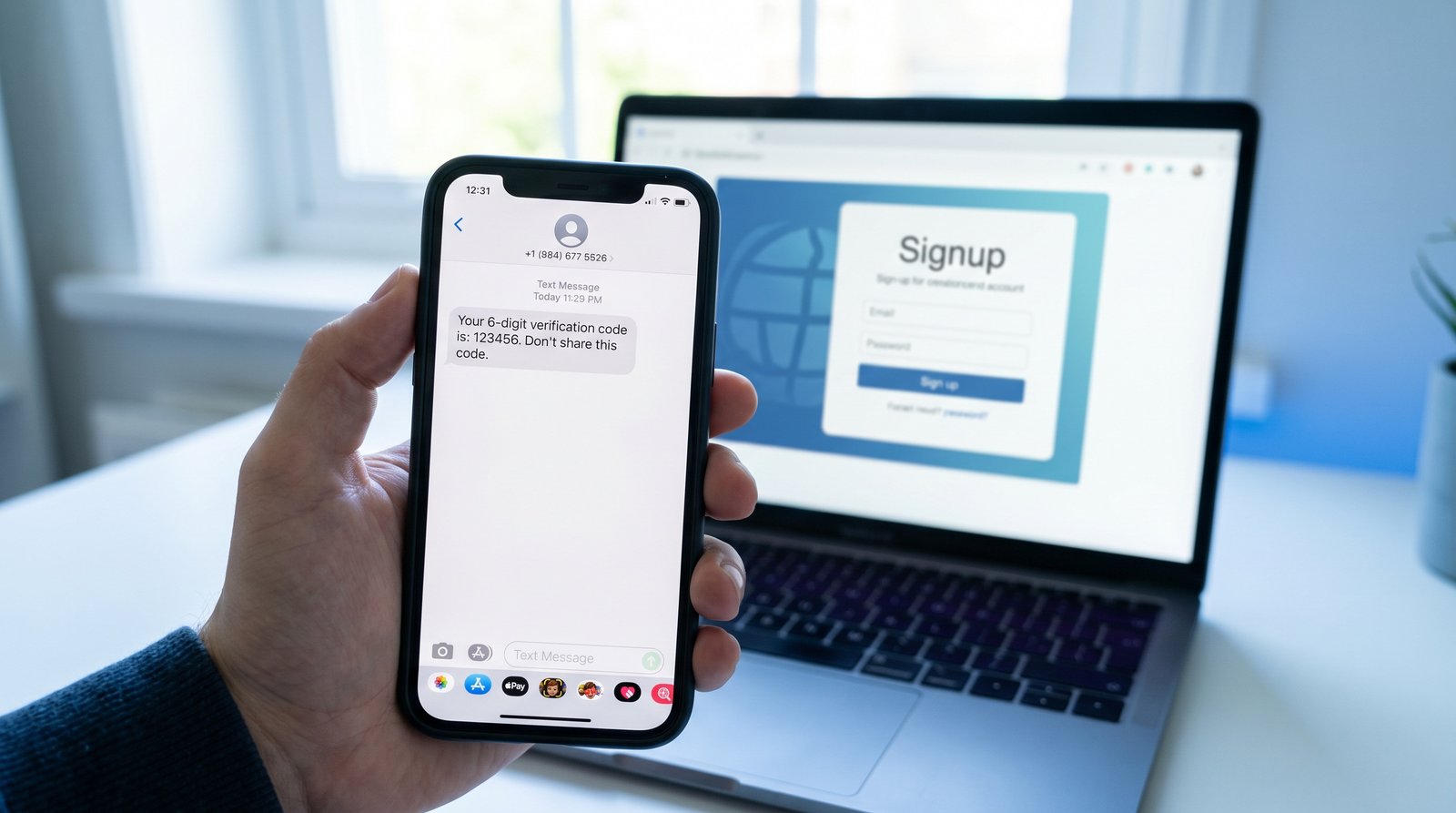
The reset flow, step by step
- The member clicks Forgot password? and enters their email or username.
- They enter their mobile number and receive a 6-digit code — by iMessage on iPhone, SMS on Android.
- They type the code. The verification box confirms it and adds a one-time token to your form.
- Your server checks the token with the provider and gets back the verified phone number.
- If that phone matches the one saved on the account, the member chooses a new password.
The one check most tutorials skip
Verifying a phone isn't enough — it has to be the phone on that account. If your server only checks "the code was right," anyone could type someone else's email, verify their own phone, and take over the account. Always compare the verified number your server receives with the number on file, and refuse the reset if they differ.
Two more habits keep it tight: show the same message whether or not the email exists (so the page can't be used to find out who is a member), and treat the token as single-use — iBlueText tokens already are.
What if the member has no phone on file?
Keep your email reset as a fallback for older accounts, and add the same verification box to your signup and profile pages. Within a few months most active members will have a verified phone, and email resets become the exception.
Adding it to your site
With iBlueText, the verification box is two lines of HTML inside your forgot-password form; the server check is one API call plus the phone comparison. Full walkthrough with a copy-paste AI prompt: SMS password reset.
# after the member types the code, your server confirms the token
curl https://ibluetext.com/api/v1/siteverify \
  -H "Content-Type: application/json" \
  -d '{"secret":"ibt_secret_xxx","token":"<ibt_token from the form>"}'
# -> { "success": true, "phone": "+18135550142", "channel": "imessage" }
# then: allow the reset ONLY if phone == the phone saved on that account
Get a free API key → Read the docs
Related
Frequently asked questions
Can users reset their password with a phone number instead of email?
Yes. They verify the phone on their account with a texted code, and your site lets them choose a new password once the verified number matches the account.
Is a password reset by SMS safe?
Yes, when your server checks that the verified phone matches the account and codes are short-lived and single-use. It proves the person has the phone right now, which is harder to fake than access to an old inbox.
How much does it cost?
A flat ½¢ per code with iBlueText, and the first 10 are free with no card.